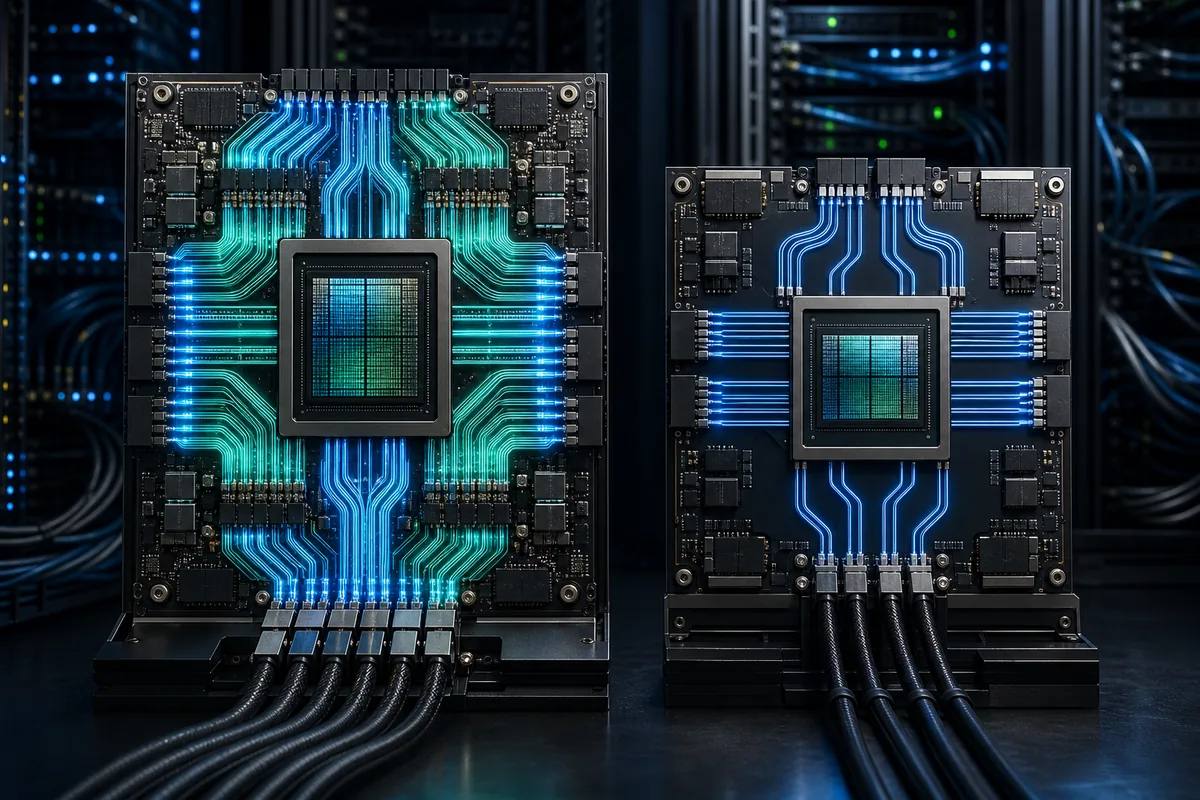
Blackwell vs Hopper comparison
B200 vs H200: Specs, Cost, and the Right GPU for AI
B200 is the higher-throughput choice for new large-scale training and inference systems. H200 is often the lower-risk rental for teams that need 141GB of HBM3e, mature Hopper support, and a lower hourly or infrastructure cost.
Live pricing snapshot refreshed Sep 10, 2026. Official specifications checked July 24, 2026.
B200 vs H200 quick verdict
Choose B200 when FP4/FP8 throughput, 180GB per GPU, 8TB/s memory bandwidth, and fifth-generation NVLink can reduce time-to-result enough to justify a newer 1,000W-class platform. Choose H200 when the model fits in 141GB, 4.8TB/s is sufficient, or Hopper availability and a 700W power envelope make deployment simpler. Neither GPU is automatically cheaper: compare the complete job bill, not just the hourly rate.
B200 vs H200 specifications
This table uses current NVIDIA HGX documentation for the B200 SXM, not the 192GB figure sometimes attached to GB200 configurations or cloud catalog labels. Performance figures with sparsity or reduced precision are not interchangeable with dense BF16/FP16 application throughput, so benchmark your own software before budgeting a cluster.
| Decision factor | B200 SXM | H200 SXM | Why it matters |
|---|---|---|---|
| Architecture | Blackwell | Hopper | B200 adds second-generation Transformer Engine and FP4; H200 uses the mature Hopper software path. |
| GPU memory | 180GB HBM3e | 141GB HBM3e | B200 provides about 28% more capacity for weights, optimizer state, batches, and KV cache. |
| Memory bandwidth | Up to 8TB/s | 4.8TB/s | B200 has up to 67% more bandwidth, useful when inference or training is memory-bound. |
| NVLink bandwidth | 1.8TB/s per GPU | 900GB/s per GPU | B200 can reduce scale-up communication bottlenecks in supported HGX systems. |
| Maximum TDP | Up to 1,000W | Up to 700W | B200 demands more rack power and cooling even when it produces more work per GPU. |
| System memory, 8 GPUs | 1.44TB | 1.128TB | The difference can change tensor-parallel layout and the number of nodes required. |
B200 here means the discrete HGX B200 GPU. GB200 combines Blackwell GPUs with Grace CPUs, while DGX B200 is a complete eight-GPU system.
Which GPU fits your workload?
B200 wins the specification sheet, but the correct decision depends on whether your job can use Blackwell's new precision modes and whether the speedup offsets rental, power, cooling, and migration costs.
| Workload | Default pick | Reason |
|---|---|---|
| Large-scale pretraining | B200 | Higher low-precision compute, bandwidth, memory, and NVLink favor newer multi-GPU training stacks. |
| High-throughput LLM inference | B200 | FP4 and wider memory bandwidth can lower cost per token when the serving stack is optimized for Blackwell. |
| Long-context or memory-heavy inference | Benchmark both | B200 has more capacity, but H200 can be economical when 141GB is enough and compute is not saturated. |
| LoRA or full fine-tuning | H200 first | Start with H200 when the job fits; pay for B200 only when iteration time or batch size is the real bottleneck. |
| HPC and scientific computing | Benchmark both | Kernel precision, memory access, communication, and library support matter more than one headline AI number. |
| Existing Hopper production stack | H200 | H200 reduces migration and validation work when your images, kernels, and monitoring already run reliably on Hopper. |

Software, power, and migration constraints
A B200 vs H200 comparison is incomplete without the system around the GPU. Blackwell can expose a much higher ceiling, but a team only captures that value when its framework, kernels, precision policy, networking, and facility are ready. H200 often wins the first production cycle because Hopper images and operational playbooks have already been validated.
Software readiness
Confirm the required CUDA, driver, framework, NCCL, TensorRT-LLM, vLLM, and custom-kernel versions. A container that runs on both GPUs may still fall back to kernels that do not exploit Blackwell FP4 or its newest Transformer Engine paths. Include numerical validation because changing precision can affect output quality.
Power and cooling
Eight B200 GPUs can represent up to 8kW of GPU TDP before CPUs, memory, networking, fans, and conversion losses. H200's lower per-GPU envelope can fit more easily into existing racks. For owned hardware, ask whether the quoted platform is air- or liquid-cooled and whether the site can support its rack density.
Availability and cluster shape
A cheap single-GPU listing is not useful when a training job needs eight or sixty-four GPUs on a low-latency fabric. Compare the minimum order, contiguous capacity, InfiniBand or Ethernet topology, storage throughput, region, reservation term, and queue time. These constraints can outweigh a small hourly difference.
How to benchmark B200 against H200 fairly
Use the same model revision, dataset, container, request mix, output length, warm-up, batch policy, and quality target. Record more than tokens per second: first-token latency, inter-token latency, training step time, GPU utilization, memory headroom, communication time, power, failure rate, and total bill all change the decision.
| Benchmark check | Keep constant | Measure |
|---|---|---|
| Training | Model, global batch, sequence length, optimizer, convergence target | Steps per hour, time to target quality, GPU-hours, checkpoint overhead |
| Online inference | Prompt/output distribution, quality, concurrency, service-level target | Tokens per second, first-token latency, inter-token latency, cost per million tokens |
| Offline inference | Dataset, batch scheduler, quantization quality, output validation | Completed samples per hour, memory use, energy or rental cost per sample |
| Multi-GPU scaling | Node count, parallelism strategy, network, storage, software versions | Scaling efficiency, communication share, stragglers, failed-run recovery |
Do not compare a tuned FP4 B200 run with a conservative BF16 H200 run unless reduced precision meets the same accuracy or quality requirement. The useful winner is the system that completes an equivalent task at the best cost, latency, and operational risk.
B200 vs H200 price and total job cost
Public hardware prices vary by server configuration, support, networking, and order size, so a single GPU sticker price is a weak procurement metric. For cloud rental, use the current rate, measured runtime, GPU count, utilization, storage, networking, and failed-run overhead. A faster B200 is cheaper only when the reduction in GPU-hours offsets its premium.
Availability, region, minimum cluster size, and contract term can change the usable price.
Use this only as a baseline; storage, network, CPU, RAM, and platform fees may be separate.
Divide the B200 hourly premium by its measured speedup. If the ratio stays above one, H200 remains cheaper.
Model each option with the B200 rental cost calculator and H200 rental cost calculator, then compare current offers on cloud GPU pricing. For a Hopper-to-Hopper memory decision, read H100 vs H200.
Live rental snapshot
GPU Cost uses current database rows to expose a starting rate and provider count. Verify the exact accelerator variant, region, host resources, interconnect, availability, and billing terms before purchase.
B200
- Lowest tracked rental
- $3.75/hr
- Tracked hardware price
- $45.0k
- Tracked providers
- 3
H200
- Lowest tracked rental
- $2.30/hr
- Tracked hardware price
- $38.0k
- Tracked providers
- 7
A four-step B200 vs H200 decision
Confirm model memory
Measure weights, optimizer state, activations, KV cache, and fragmentation. If 141GB fits safely, capacity alone does not require B200.
Run the same container
Benchmark representative prompt lengths, batches, checkpoints, and communication patterns on both GPUs instead of relying on peak FLOPS.
Price the whole system
Include GPU-hours, CPU and RAM, storage, networking, idle time, reservations, power, cooling, support, and engineering migration work.
Choose by break-even
Select B200 when its measured speedup or capacity reduces total cost or delivery time. Otherwise, keep H200 and spend the difference elsewhere.
B200 vs H200 FAQ
Is B200 better than H200?
B200 has more memory, more bandwidth, newer low-precision acceleration, and faster NVLink, so it is the stronger platform for maximum AI throughput. H200 can still be the better operational and financial choice when the workload fits, Hopper is already validated, or power and cooling are constrained.
How much VRAM do B200 and H200 have?
Current NVIDIA HGX documentation lists 180GB HBM3e per B200 SXM GPU and 141GB HBM3e per H200 SXM GPU. Do not automatically transfer 192GB labels from GB200 or a cloud catalog to the discrete HGX B200 specification.
Which is cheaper to rent, B200 or H200?
H200 usually has the lower hourly entry price and broader mature availability, but rates change by provider and configuration. B200 can still have a lower cost per completed job if it reduces runtime enough.
Should I use B200 or H200 for LLM inference?
Use B200 for high-throughput serving where FP4 or FP8, large batches, and bandwidth are well supported. Use H200 for memory-heavy production inference when 141GB is enough and migration cost or hourly rate matters more than peak throughput.
Is B200 the same as GB200 or DGX B200?
No. B200 is the Blackwell GPU used in systems such as HGX and DGX B200. GB200 is a Grace Blackwell Superchip configuration, while DGX B200 is a complete eight-GPU server platform.
Sources and verification notes
Official specifications were checked on July 24, 2026. Cloud configurations can expose different labels, power limits, and system resources, so confirm provider details before procurement.