GPU comparison guide
H100 vs 4090: Which GPU Is Better for AI?
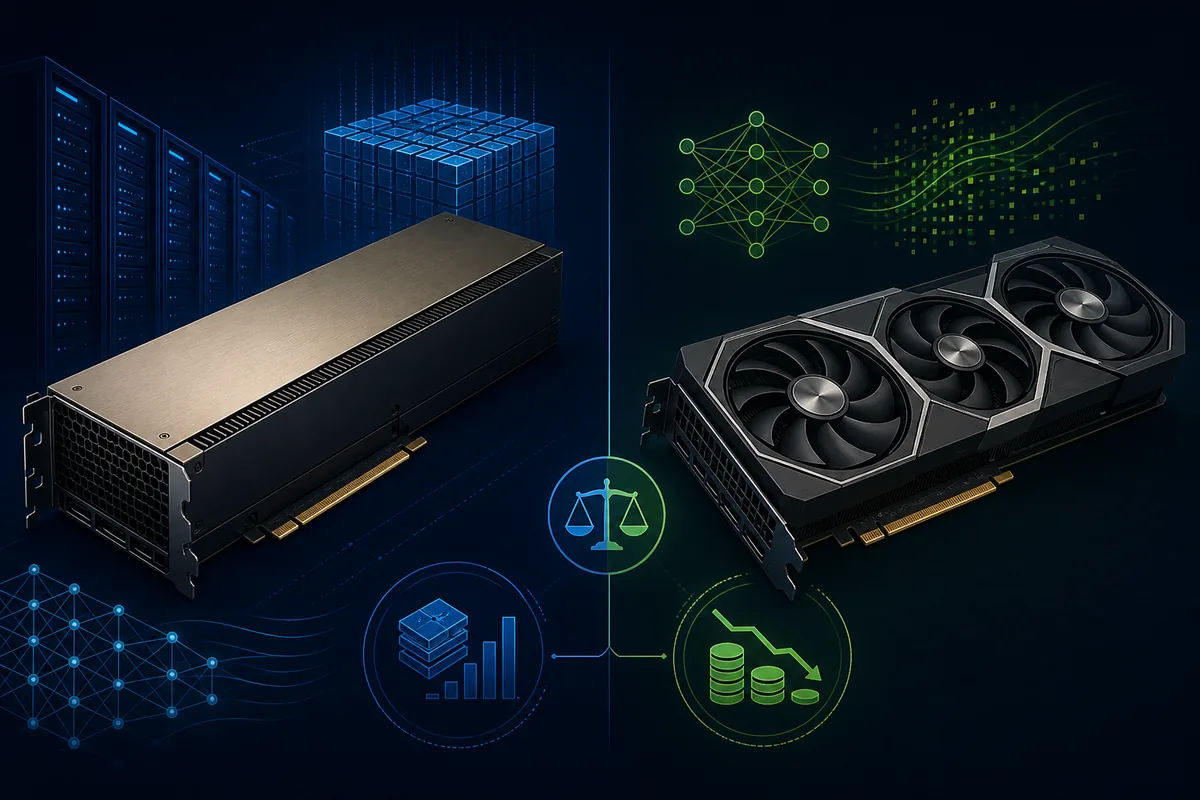
H100 is built for data-center AI training, high-throughput inference, and multi-GPU scale. RTX 4090 is the lower-cost consumer option for local development, smaller models, image generation, and inference that fits in 24GB of VRAM. The right choice depends on memory fit, runtime, software, and the complete bill—not the badge alone.
Pricing snapshot refreshed Sep 10, 2026.
Quick verdict: H100 for scale, RTX 4090 for value
Choose H100 when large-model training, high-concurrency inference, FP8 transformer kernels, or multi-GPU communication is the bottleneck. Choose RTX 4090 when the model fits in 24GB, you can run one or a few consumer cards, and the main constraint is budget or local availability. RTX 4090 is not a smaller H100; it is a different deployment class with a much lower entry cost and less data-center infrastructure.
The safest answer is to benchmark one real container. If H100 costs about 883% more in the current tracked minimum, its speedup must be large enough to reduce wall-clock time, retries, or queue cost before it wins on total spend.
H100 vs 4090 specifications that affect AI cost
A specification is useful only when it changes the workload. H100 has the memory, bandwidth, precision modes, and platform characteristics expected in data-center clusters. RTX 4090 has strong consumer throughput and 24GB of memory, but it is normally deployed as a single workstation or lower-cost rental node.
| Decision factor | H100 | RTX 4090 | Why it matters |
|---|---|---|---|
| Architecture | Hopper | Ada Lovelace | Hopper is designed around data-center AI acceleration; Ada offers excellent consumer compute with a different software and infrastructure envelope. |
| GPU memory | 80GB HBM3 | 24GB GDDR6X | Memory fit comes first. A 24GB card cannot replace an 80GB accelerator when weights, KV cache, optimizer state, or batch size exceed the limit. |
| Memory bandwidth | 3350 GB/s | 1008 GB/s | Bandwidth affects long-context inference, attention-heavy workloads, data movement, and how efficiently a large model stays fed. |
| Tensor performance | 1979 TFLOPS class | 330 TFLOPS class | Peak numbers are directional. Real gains depend on precision, kernels, framework support, batch size, and whether the workload is compute- or memory-bound. |
| Board power | 700 W class | 450 W class | Power, cooling, and rack capacity can erase a hardware price advantage. Local 4090 builds still need a suitable PSU, airflow, and chassis. |
| Lowest tracked cloud rate | $1.47/GPU-hour | $0.149/GPU-hour | Use the live rate as a shortlist. Verify region, instance shape, storage, networking, and availability before a long run. |
Which GPU wins for each workload?
Searchers often ask which card is faster, but the useful question is which card finishes the job at an acceptable total cost. Start with the model's memory footprint, then consider concurrency, restart risk, software support, and how often you will run the workload.
| Workload | Default pick | Decision reason |
|---|---|---|
| Large-model pretraining | H100 | Memory, bandwidth, FP8 support, and multi-GPU interconnects usually outweigh the hourly premium. |
| High-throughput LLM inference | H100 | H100 is the safer default when concurrency, long context, or tokens per second matters more than entry price. |
| Small-model inference under 24GB | RTX 4090 | A 4090 can be a strong value choice when the model, KV cache, batch, and serving stack fit without paging. |
| LoRA or QLoRA fine-tuning | Benchmark both | RTX 4090 is attractive for smaller models; H100 wins when memory pressure or iteration speed becomes the bottleneck. |
| Stable Diffusion and image generation | RTX 4090 | Consumer CUDA support, fast local storage, and a lower cost per experiment often make 4090 the practical first choice. |
| Legacy or enterprise production stack | Depends | H100 fits managed clusters and new production capacity; RTX 4090 fits only when support, reliability, and memory requirements allow it. |
Rental cost: compare completed work, not only GPU-hour
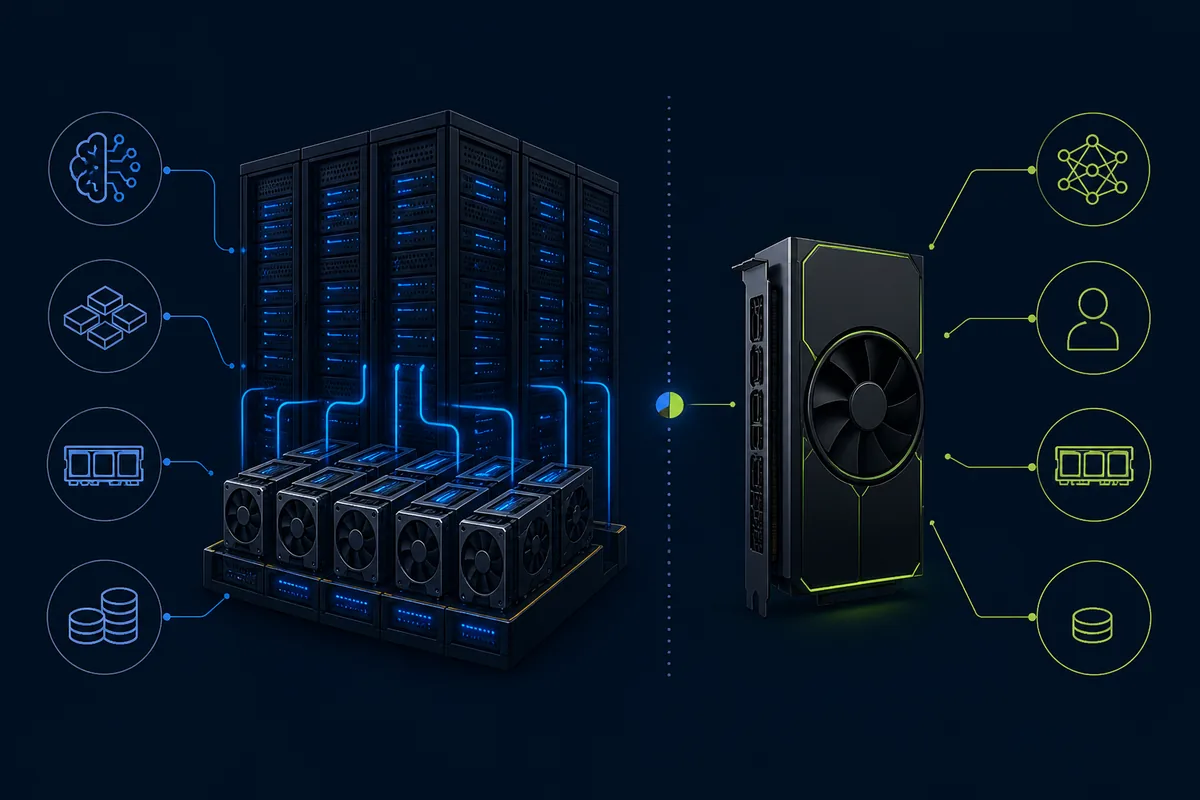
A cheaper RTX 4090 is not automatically cheaper if it cannot hold the model, needs several cards, or takes much longer to finish. An H100 is not automatically better value if the job is small, interactive, or mostly waiting on data. Use the live rate as a first filter, then benchmark wall-clock time with the same container and dataset.
A short benchmark exposes memory pressure, driver issues, storage delays, and real throughput before a longer commitment.
This is an always-on arithmetic baseline, not a recommendation. Stop idle instances and include storage, network, and support.
If H100 costs 9.8 times more per hour, it needs a similar runtime reduction to win on pure compute cost.
Use the H100 rental calculator for high-end capacity and the GPU rental cost calculator for a broader utilization, storage, and overhead model.
Live H100 and RTX 4090 pricing snapshot
These cards use the current GPU Cost database where provider rows are available. Prices can change with region, capacity, GPU variant, and billing model; review the cloud GPU pricing comparison and verify the complete instance before purchasing.
H100
- Lowest tracked rental
- $1.47/hr
- Market hardware price
- $32.0k
- Tracked providers
- 13
RTX 4090
- Lowest tracked rental
- $0.149/hr
- Market hardware price
- $1.8k
- Tracked providers
- 3
A practical H100 vs 4090 decision framework
Check memory first
Write down weights, precision, context length, KV cache, optimizer state, batch size, and headroom. A 24GB limit can decide the comparison before benchmarks begin.
Benchmark one real job
Run the same container and dataset on each GPU. Measure wall-clock time, tokens per second, memory pressure, startup time, and failure rate.
Price the full environment
Include storage, CPU/RAM, network, idle time, support, power, cooling, and interruption recovery—not only the GPU rate.
Choose for the bottleneck
Use H100 when scale or throughput is the bottleneck. Use RTX 4090 when budget, local access, or small-model iteration is the constraint.
If you are still discovering the workload, rent a small reversible test first. If utilization is predictable for years, compare ownership with the GPU server cost guide before buying.
Sources and verification notes
GPU Cost combines live provider rows with official NVIDIA product references. H100 configurations vary between SXM, PCIe, and cloud instances; RTX 4090 systems vary by board, cooling, and host configuration. Use provider pages and a real benchmark for final procurement decisions.
H100 vs 4090 FAQ
Is H100 better than RTX 4090 for AI?
H100 is the stronger choice for large-model training, high-throughput inference, FP8 transformer workloads, and multi-GPU systems. RTX 4090 is often the better value for smaller models, local experiments, image generation, and inference that fits inside 24GB.
Is RTX 4090 cheaper than H100?
Usually the RTX 4090 has a lower entry price, but the final answer depends on whether you buy or rent, how many GPUs you need, how long the job runs, and whether the H100 speedup reduces the bill enough to offset its premium.
How fast is H100 vs 4090 on smaller models?
The speed difference depends on model architecture, precision, batch size, kernels, and memory pressure. For a small model that already fits comfortably on RTX 4090, the lower rate can matter more than peak H100 throughput. Benchmark the serving stack you will actually use.
Can RTX 4090 replace H100 for LLM inference?
It can replace H100 for some small or quantized models and lower-concurrency workloads. It is not a drop-in replacement when the model needs more than 24GB, production reliability, large batches, multi-GPU interconnects, or data-center operations.
Should I rent or buy an RTX 4090?
Rent first when utilization is uncertain or you need a quick test. Buying can win when utilization is high and predictable and you already have power, cooling, chassis, support, and a refresh plan.
What is the simplest way to choose between H100 and RTX 4090?
Check VRAM fit, run one representative benchmark, compare the complete hourly or ownership cost, and then choose the smallest GPU that meets the required throughput and reliability.